


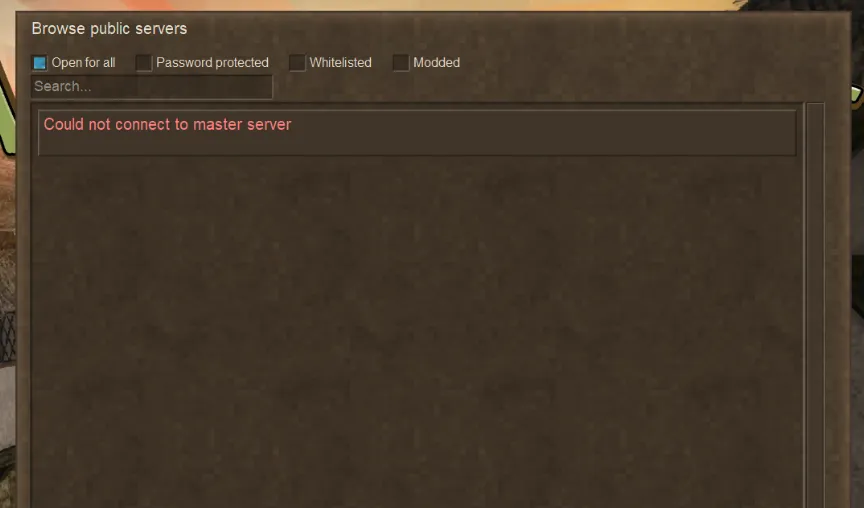
Some players in Russia may experience multiplayer connection issues in Vintage Story. The game may display one of the following errors:
- Could not connect to master server
- Unable to connect to auth server
- Failed to connect to the authentication server
- Mods fail to download when connecting to servers
- ModDB (mods.vintagestory.at) won't open
As a result, the server list may fail to load, login may not complete, and joining multiplayer servers may become impossible.
How to fix it
For most affected players in Russia, the issue is related to network access to several Vintage Story services. Using an "Internet accelerator" or configuring Zapret with the correct whitelist usually resolves the problem.
Zapret whitelist
Add the following domains to your whitelist:
moddbcdn.vintagestory.at
mods.vintagestory.at
www.vintagestory.at
vintagestory.at
masterserver.vintagestory.at
auth.vintagestory.at
auth2.vintagestory.at
auth3.vintagestory.at
media.invisioncic.com
account.vintagestory.at
account2.vintagestory.at
cdn.vintagestory.at
media.vintagestory.at
Note: if the whitelist does not help, try other bypass strategies in Zapret — the same one does not work for everyone.
Increase the request timeout
Using an "Internet accelerator" or Zapret may increase network latency slightly. To avoid timeout errors, increasing the request timeout is recommended.
- Close Vintage Story
- Open
%AppData%\VintagestoryData\clientsettings.json - Find the
webRequestTimeoutsetting - Set it to:
"webRequestTimeout": 60
Save the file and launch the game again.
Additional guide
If you use Zapret, this Zapret + WARP setup guide may also be helpful:
After completing these steps, the errors Could not connect to master server and Unable to connect to auth server should disappear, allowing multiplayer services to work normally again.
Source
This guide is based on recommendations shared by DArkHekRoMaNT, a moderator of the Russian-language #russian channel on the official Vintage Story Discord server. You can read the original post here.