No results found.
How to make a wooden pan, process sand, gravel, and bony soil, how much copper to expect, and which rare finds can be recovered from the ground around ruins.
Practical tips for surviving and progressing in Vintage Story: how to search for ore with a prospecting pick, find the right rock layers, grow fruit trees, tame an elk, build a sailboat, and quench metal. The most useful parts of the in-game handbook, short and to the point.
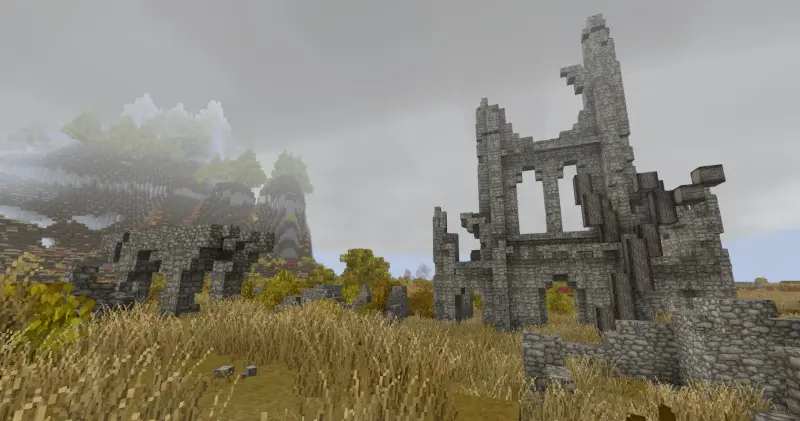
Where do you find ruins in Vintage Story, and what is inside a cracked vessel? Learn how a seed vessel differs from an ore vessel, when the pot stays whole, and why it is worth digging the floor.
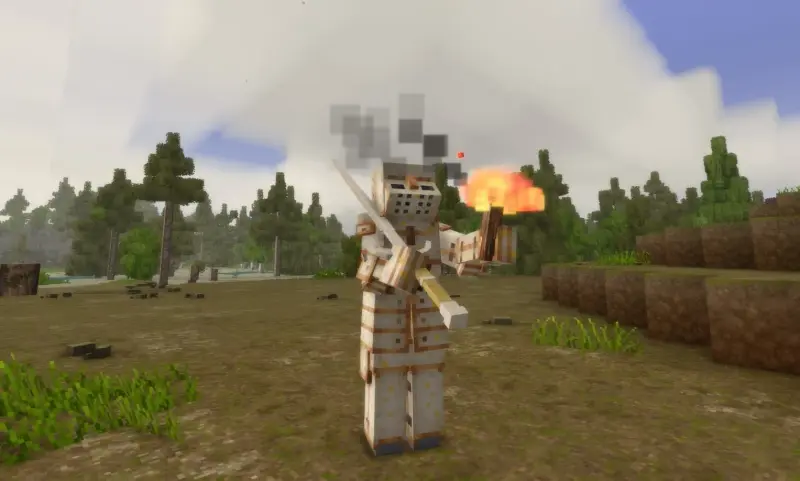
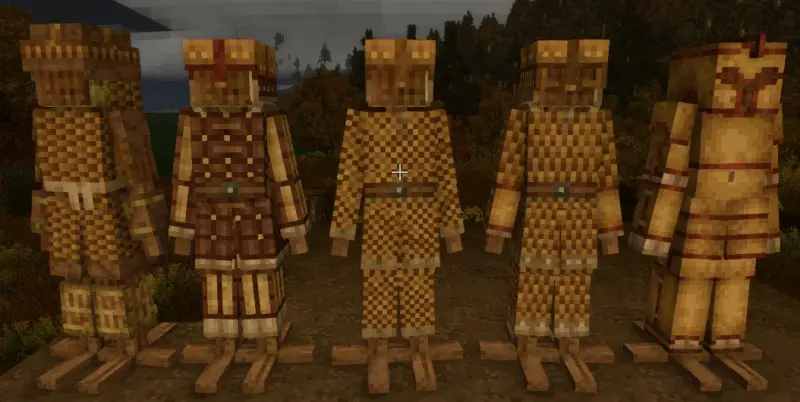
Where do you wear armor in Vintage Story, and what do you hit with? Learn how a blow picks the helmet, body, or legs, what percent protection and attack tier mean, and when a spear, falx, or bow gets through armor.
How do you find a trader in Vintage Story, and what do you pay with? Learn what each of the nine sells, how buying and selling works in the Local goods window, when the next delivery arrives, and how to use the auction house.
Seal juice, honey, or flour with water in a barrel, and you get a drink that keeps much longer.
The gear above the hotbar shows whether a place is calm, and when it is better to head back to the surface.
How does the temperature change through the year in Vintage Story, and how do the seasons differ? Learn when to sow, how a greenhouse stretches the season, and how to keep off the frost so the harvest lasts and the winter can be survived.
Learn where to find wild beehives, how to populate your own hives, attract bees with flowers, and encourage swarming. This guide covers apiary management, honeycomb harvesting, seasonal behavior, and the many uses of honey and beeswax.
A guide to mechanical power in Vintage Story: windmills, water wheels, axles, gears, and power transmission. Learn how to operate querns, helve hammers, and pulverizers.
How to carve furniture, decoration, and a whole house from stone, wood, and brick with a chisel in Vintage Story.
The cooking pot on a firepit, six meals, satiety per serving, and the five nutrition bars.
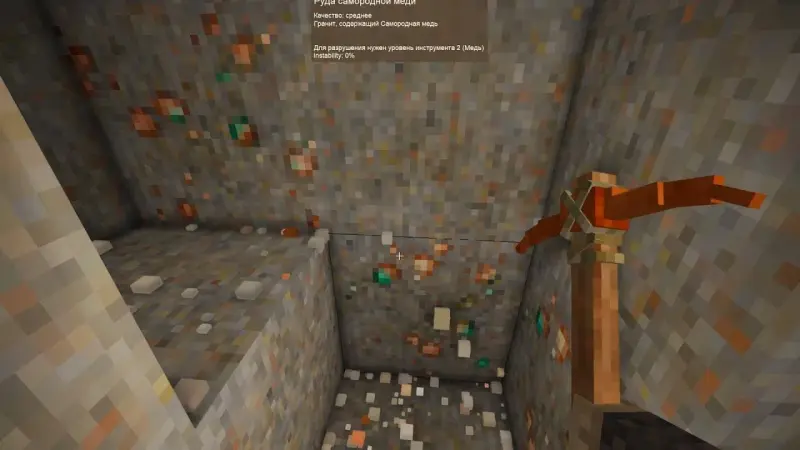
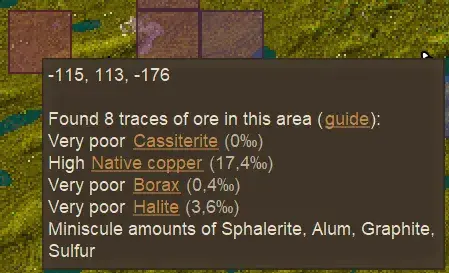
The prospecting pick, host rocks, chunk grade, and how many nuggets a hammer returns.
How to recognize a fruit tree, take a cutting with an axe, graft it onto a stem, and wait out vernalization. Forest seeds and the days from sapling to tree are a separate path.
Farming in Vintage Story: farmland, moisture, and fertilizer
How to turn a raw hide into leather: limewater or diluted borax, a knife, then weak and strong tannin from oak or acacia. Pelts are a separate path and use rendered fat, not a barrel.
How to turn iron ingots into steel: tier 1 refractory bricks, a stone coffin, 16 ingots and 40 charcoal inside, 160 fuel below, and 160 hours of heat. Blister steel is the unfinished ingot. It still has to be forged into a steel ingot on an iron anvil.
Why iron ore cannot be smelted in a crucible, where to find limonite, hematite, and magnetite, how to build a bloomery from fire clay bricks, and how to turn a bloom into an ingot.
Tin bronze, bismuth bronze, and black bronze: how much copper and rare metal to put in the crucible for one tool and for five ingots. Which bronze to make first, and how to check any batch in the alloy calculator.
How to cast a copper anvil, build a forge, and smith the pieces that cannot be cast: a saw, shears, a spear, a chisel, and a scythe. Hammer modes, fuel, and which anvil works which metal.
How to gather your first 40 copper nuggets, form and fire molds and a crucible, fire a charcoal pit, and cast a pickaxe and hammer. A step-by-step start to the Copper Age.
A soft way to protect builds in multiplayer: the plumb and square, material strength up to 1200, padlocks, and access commands.
Most food in Vintage Story loses nutrition over time and eventually turns into rot. Keep it longer with crocks, storage vessels, cellars, curing, pickling and other preservation methods.
Vintage Story comes with a land claiming system that lets players protect their valuable resources and structures. It is currently only available through typing a sequence of commands. A short step-by-step version is in How to Create a Land Claim in Vintage Story. This is the full guide based on the official wiki. A land claim in the making It works by creating a new claim project, then adding one or more cuboidal areas to the claim, and saving it. The owner may also grant parti
Quenching and Tempering Quenching and tempering are metalworking mechanics that allow tools and weapons to gain additional properties. In Vintage Story, these processes can only be applied to tools and weapons made from iron, meteoric iron, or steel. Quenching can improve either the power or durability of an item, but not both at the same time. Each quench also increases the chance of the tool head shattering during cooling. This risk can be reduced through tempering. Tempering reduces
Vintage Story FAQ — Complete Beginner Guide to Survival, Crafting, Mining and Trading This Vintage Story FAQ answers common beginner questions about survival, crafting, tools and armor, traders, food preservation, temporal stability, mechanical power, farming, animals, mining and multiplayer. How do I get started in Vintage Story? Should I build a shelter near spawn? Yes. A shelter near your spawn point can be useful during the early game, at least until you obtain Temporal Gear and
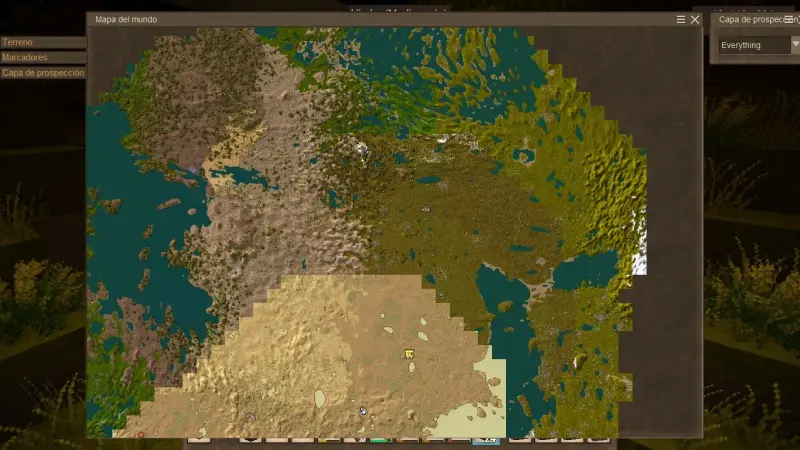
By default the world map uses a medieval style. To restore the classic colorful map (more accurate terrain colors), grant the colorAccurateWorldmap privilege. You need to rejoin the world for it to take effect. Enable the colorful map In singleplayer / for one player: /player PlayerName privilege grant colorAccurateWorldmap Replace PlayerName with your player name. Server-wide: /worldconfigcreate bool colorAccurateWorldmap true Revert to the default look In singleplayer / for one
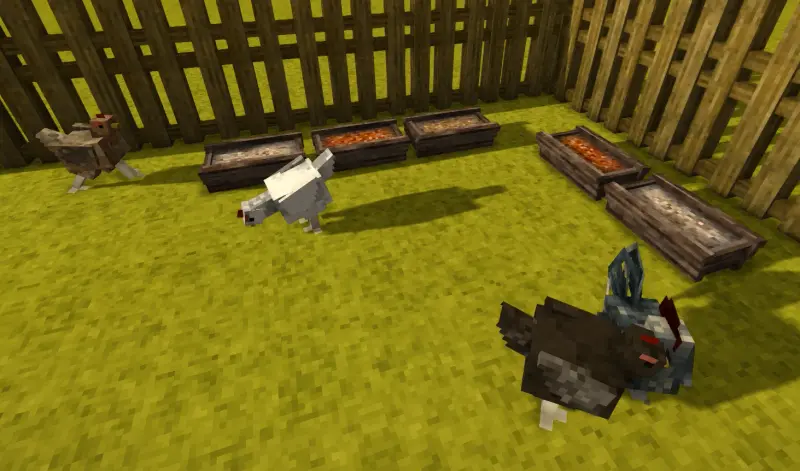
Animal husbandry in Vintage Story means breeding and domesticating animals by feeding them from a trough. You need a male and a female: the female must eat the required portions after reaching “Ready to mate,” and the male needs at least one portion to start mating. Animals do not starve to death, but without food they lose weight, and butchering yields less meat, hide, and fat. Basics * Generation is inherited from the mother only (+1 over the mother’s generation). The father does not
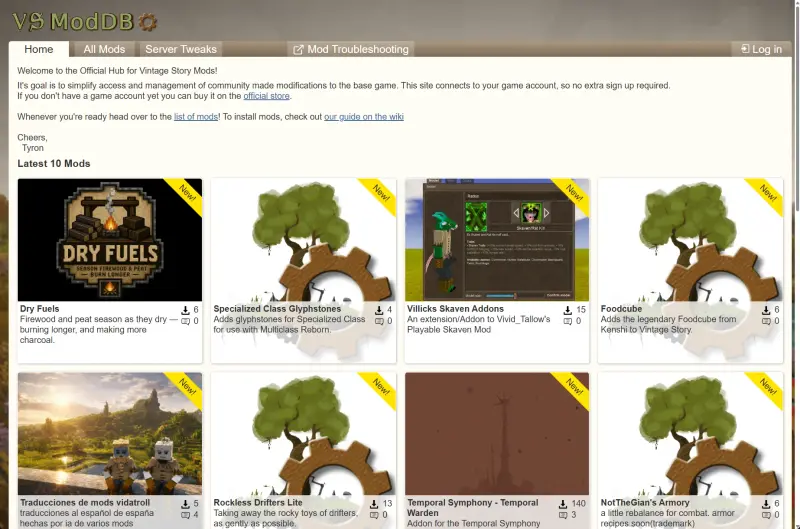
With Vintage Story you can have your cake and eat it too. Hundreds or even thousands of player-made modifications ("mods") can be added to the already rich, high-performance base game. It is a very mod-friendly game. The best place to look for mods is the official Mod DB. You can also find additional mods on the official forums. Alternatively, you can browse our mod catalog for more mods for Vintage Story. Mods made for older versions of the game may also work on newer versions, but com
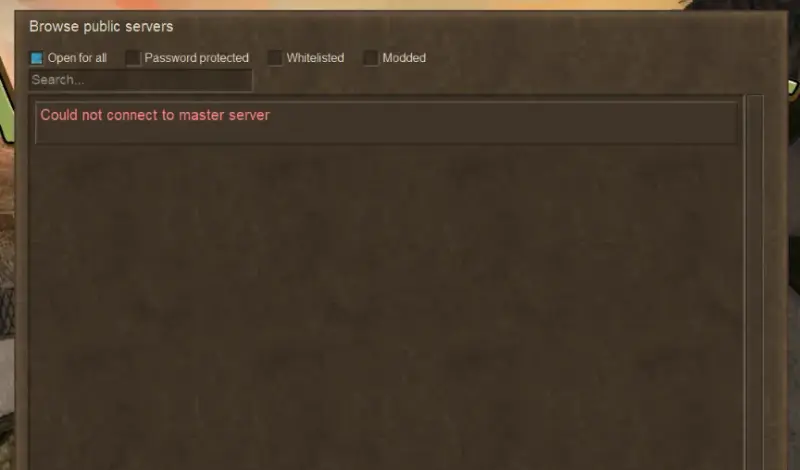
The problem Some players in Russia may experience multiplayer connection issues in Vintage Story. The game may display one of the following errors: * Could not connect to master server * Unable to connect to auth server * Failed to connect to the authentication server * Mods fail to download when connecting to servers * ModDB (mods.vintagestory.at) won't open As a result, the server list may fail to load, login may not complete, and joining multiplayer servers may become impossibl
How to Survive Your First 5 Days in Vintage Story The first few days in Vintage Story set the foundation for your entire playthrough. This guide provides a practical day-by-day roadmap that will help new players establish a secure base, gather resources efficiently, and prepare for future technological advancement. Before You Begin * Press H to open the Handbook for crafting recipes and game information. It also pauses the game. * Use Shift to crouch and approach animals more carefu
When you first create a world or join a server, your character respawns at the world's default spawn location. Once you've built a base, you can change your respawn point and make it your new home. To do this, you'll need a Temporal Gear. Using it allows you to save your current location as your new respawn point. Requirements * 1 Temporal Gear. * The location where you want to respawn. How to Set a New Spawn Point 1. Place the Temporal Gear into your hotbar. 2. Select it
If a trader or another protected structure is blocking your building project, you can remove its claim with an administrative command. How to Remove a Claim 1. Stand inside the claimed area you want to remove. 2. Open the chat. 3. Type /land adminfreehere and execute the command. The claim at your current location will be removed immediately. Where It Works * Singleplayer. * Multiplayer servers if you have administrator permissions. Supported Structures The command is not li
How to Change Your Nickname in Vintage Story If you want to change your in-game nickname in Vintage Story, you can do it through your official game account in just a few minutes. How to Change Your Nickname 1. Open your profile page: https://account.vintagestory.at/profile. 2. Log in to your Vintage Story game account. 3. Locate the Player Name field. 4. Enter your desired new nickname. 5. Click the Save changes button. Nickname Change Limit You can change your nickname once e
What Is a Pit Kiln? A Pit Kiln is one of the earliest crafting structures in Vintage Story. It allows players to turn raw clay items into finished pottery used for cooking, storage, farming, and progression. Required Materials * 1–4 unfired clay items; * 10 Dry Grass; * 8 Sticks; * 4–8 Fuel pieces; * A Torch or Firestarter. How to Build a Pit Kiln 1. Dig a one-block-deep pit. 2. Place your clay items inside. 3. Add 10 pieces of Dry Grass. 4. Add 8 Sticks. 5. Cover the kiln with
Learn how fishing works in Vintage Story. This guide explains how to craft a fishing rod, use bait effectively, find productive fishing locations, and maximize your catches.
Adjust the search radius of the Prospecting Pick's second mode (Node Search) using the propickNodeSearchRadius command.
Protect your home, structures, and resources from other players. A quick guide to creating and managing land claims in Vintage Story.
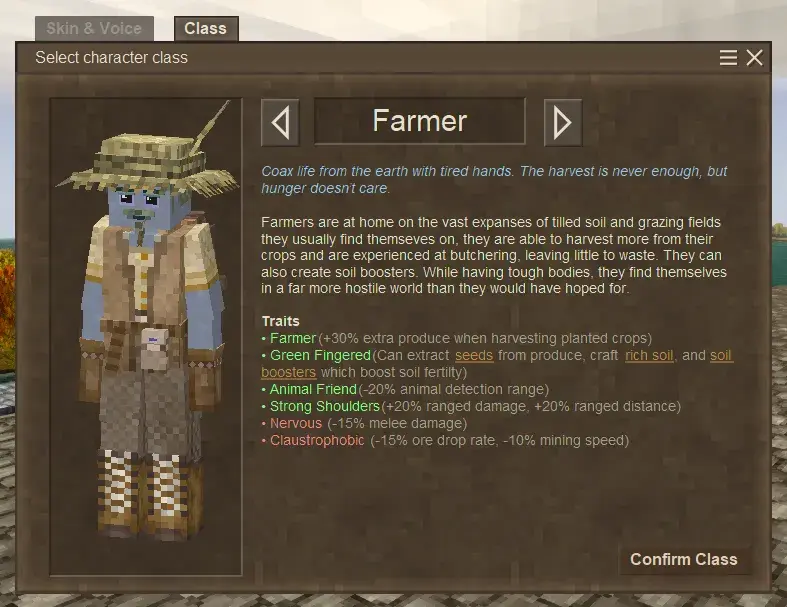
Need to switch your character class after starting a world? Here's a quick guide on how to reopen class selection and choose a new character class.
This site uses cookies to remember your language and theme.