


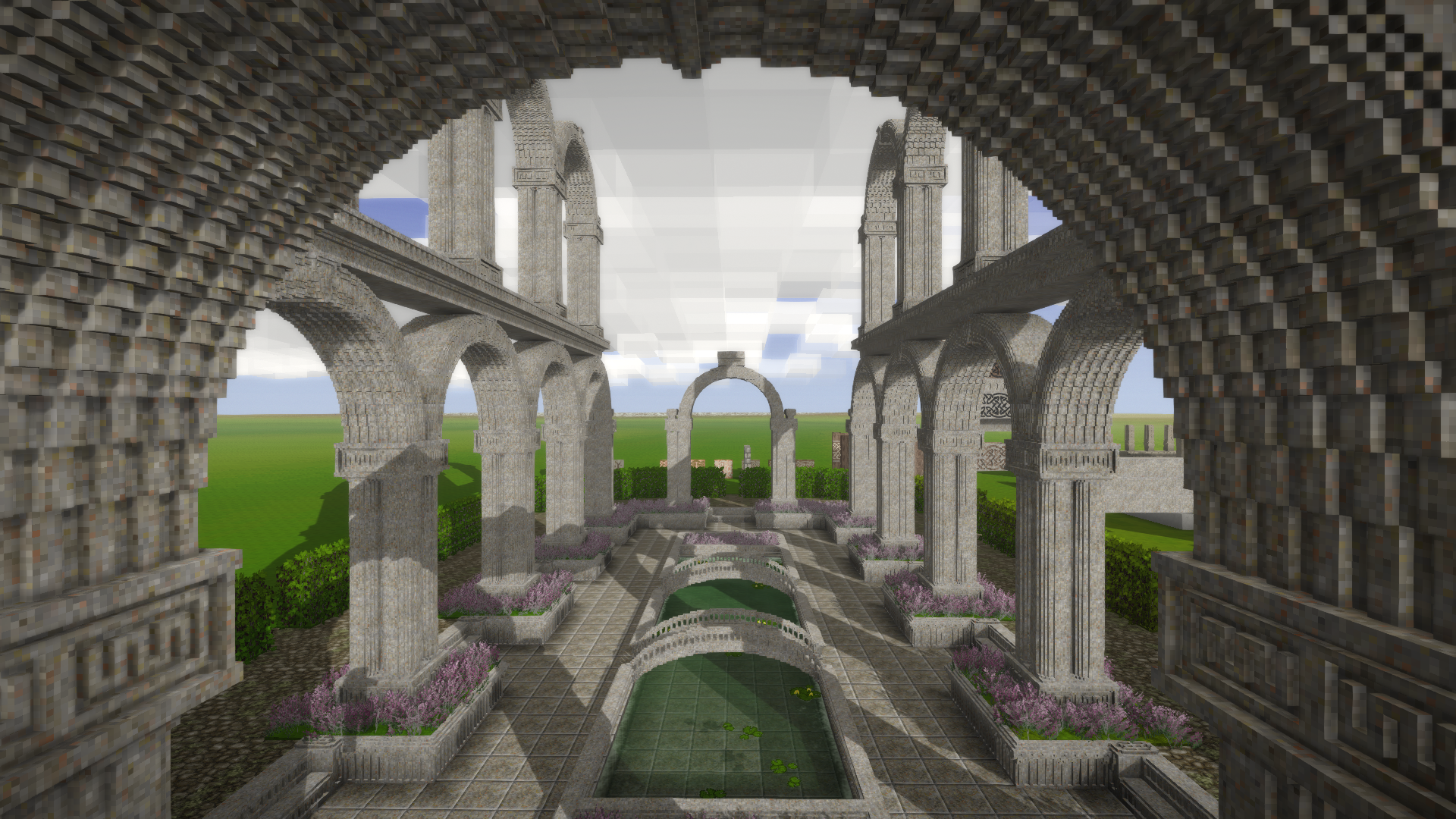
In Vintage Story the chisel is what you pick up when you want something beautiful. Stone, wood, and brick can be carved into furniture, decoration, and whole buildings: an ordinary cube is cut, quietly, into small cells, and those cells become a shape of your own, one the ready-made blocks do not include. The work is unhurried, voxel by voxel.
A chisel is smithed from one ingot. The metal changes durability only. A copper chisel and a steel chisel cut the same blocks. Iron, meteoric iron, and steel are quenched after the forge.
| Chisel | Durability |
|---|---|
| Copper chisel | 600 |
| Tin bronze chisel | 1000 |
| Bismuth bronze chisel | 1200 |
| Black bronze chisel | 1400 |
| Iron chisel | 2000 |
| Meteoric iron chisel | 2800 |
| Steel chisel | 6000 |
How to carve a block
Keep the chisel in the main hand and a hammer in the off hand. Without the hammer the game says "Requires a hammer in the off hand". Use the chisel on a placed block. It becomes a Chiseled Block and splits into a 16×16×16 grid. Left click removes voxels, right click puts them back. The tooltip shows Available Voxels while you work.
Survival chiseling covers stone, wood, and bricks. Creative covers most cubic blocks. A firepit, a clay oven, and a tool rack cannot be chiseled. A material that is too hard says "This material is too strong to chisel". A block about to fall says "Can't chisel this block, it's too unstable and might collapse". The world setting is Microblock chiseling: Off, Stone, Wood and Bricks, or Most cubic blocks. On a world that already exists the command is /worldconfig microblockChiseling off, stonewood, or all.
Press F for the modes. The four grids are brushes of 1, 2, 4, and 8 voxels. After them come rotate, flip, and the name.
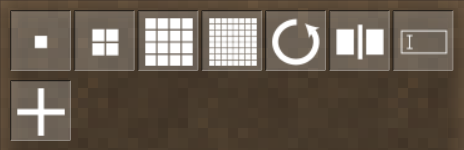
On the grid modes, left click removes and right click adds. Rotate turns the block clockwise with the left click and counter-clockwise with the right. Flip lays the block over horizontally, relative to the way you are facing. Set name writes the label you see when you look at the block and in the inventory. The font size is changed there too.
A chiseled block rotates on the flat only. If you want a plank on its side, place it in that rotation before you carve, then add it as a material. A finished chiseled block can still be turned with a Copper wrench, or the same wrench in another metal.
More than one material
The plus is labeled "Drop blocks here to add a material". Pick up a whole block and drop it on the plus. A block that is already chiseled does not go on the plus. Its materials move through the crafting grid: place one chiseled block above the other. The lower block's materials join the upper one, and the lower block's carved shape is lost.
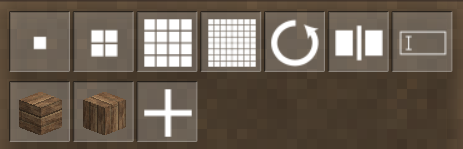
A slab, or any block that is not a full cube, only gives the voxels it actually contains. Past that the game says "Out of material, add more material to continue adding voxels". Identical chiseled blocks stack. If two blocks refuse to stack, the carving is not the same.
Water and lava pass a chiseled block once each layer between two faces has 33 voxels removed. Thirty-two on a layer is not enough, and the liquid stays put. The top face can remain solid. Carving can also open a room: a block that sealed the room may stop sealing it after the cut.
Metal bits
In the crafting grid the chisel sits above the item. A tool head, an ingot, and a work piece return bits and cost 1 durability. A work piece always returns 20 bits, even when more metal was still in it. A plaque and a lightning rod cost 20 durability. An anvil takes the entire durability of a chisel of its own metal and returns 8 ingots, so a copper chisel can break a copper anvil and cannot break a tin bronze one.
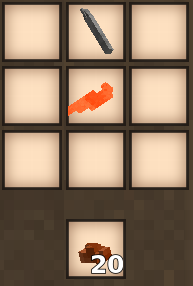
The bits melt again in the crucible. The same chisel is also the tool in the recipes for a quern, polished stone, gears, and the stone coffin used for steel.
Steel: the cementation furnace and blister steel
What you can build
A table, a Japanese-style castle, a half-timbered house, pixel art, and a Toyota Trueno.
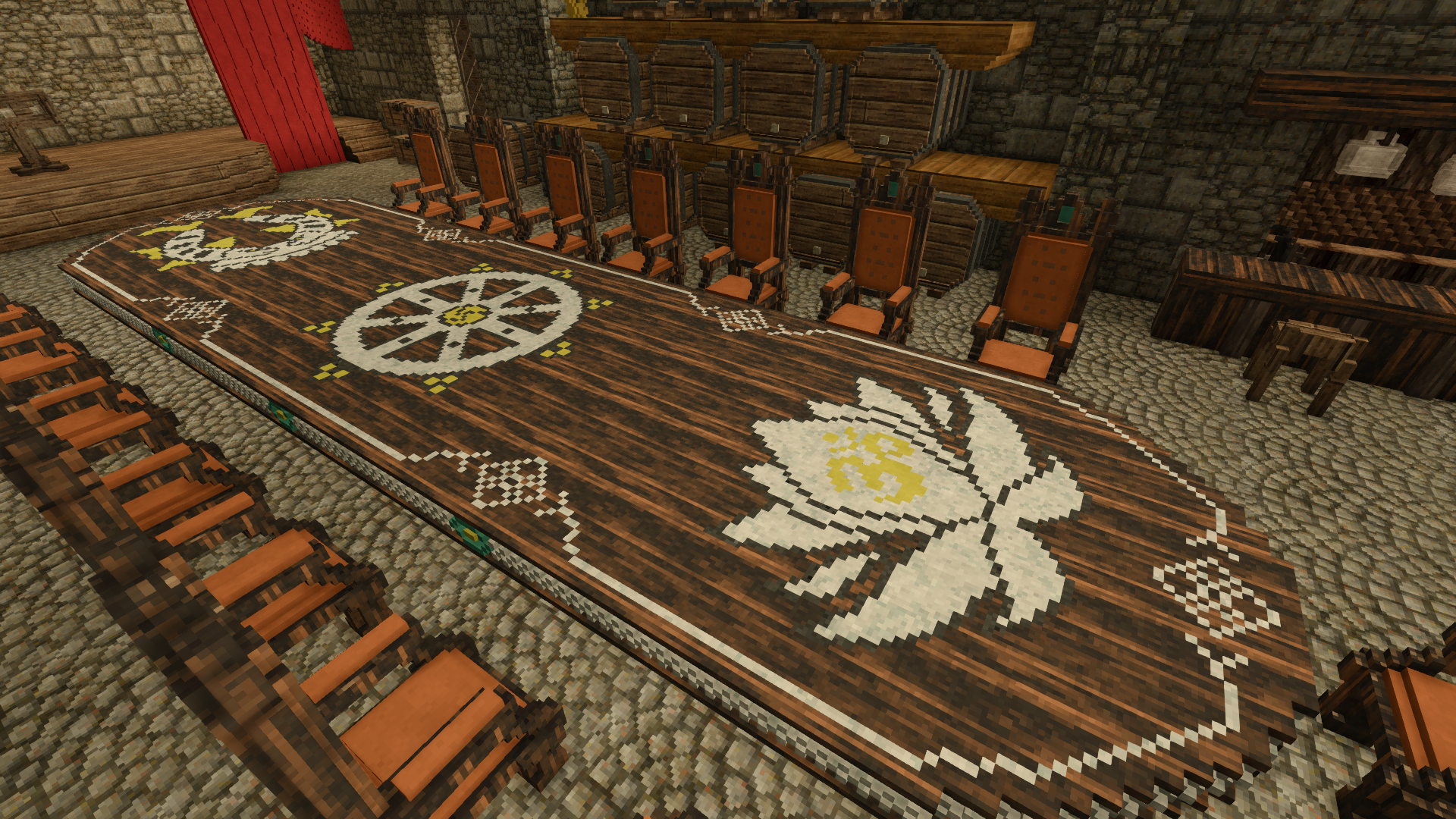
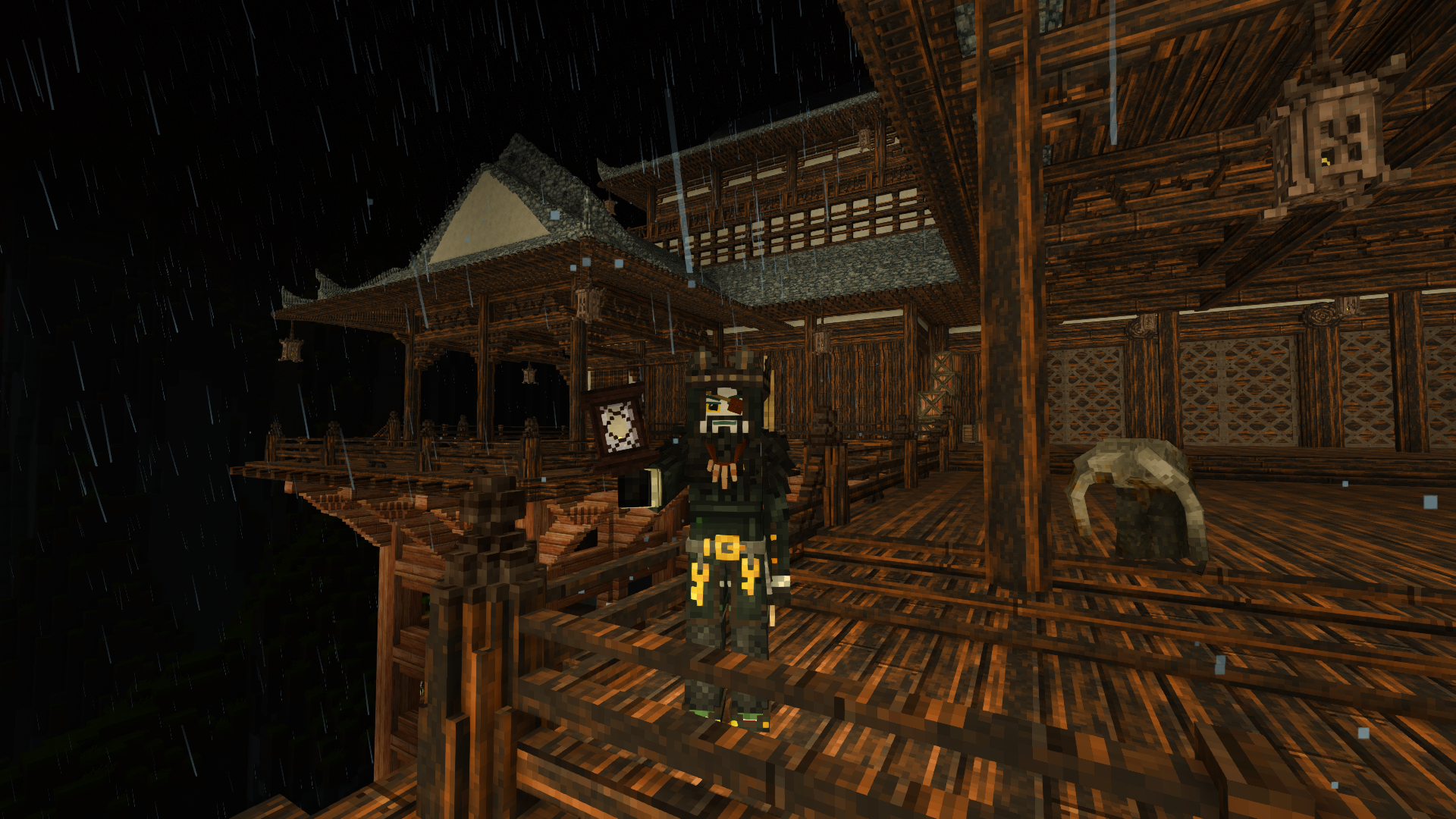
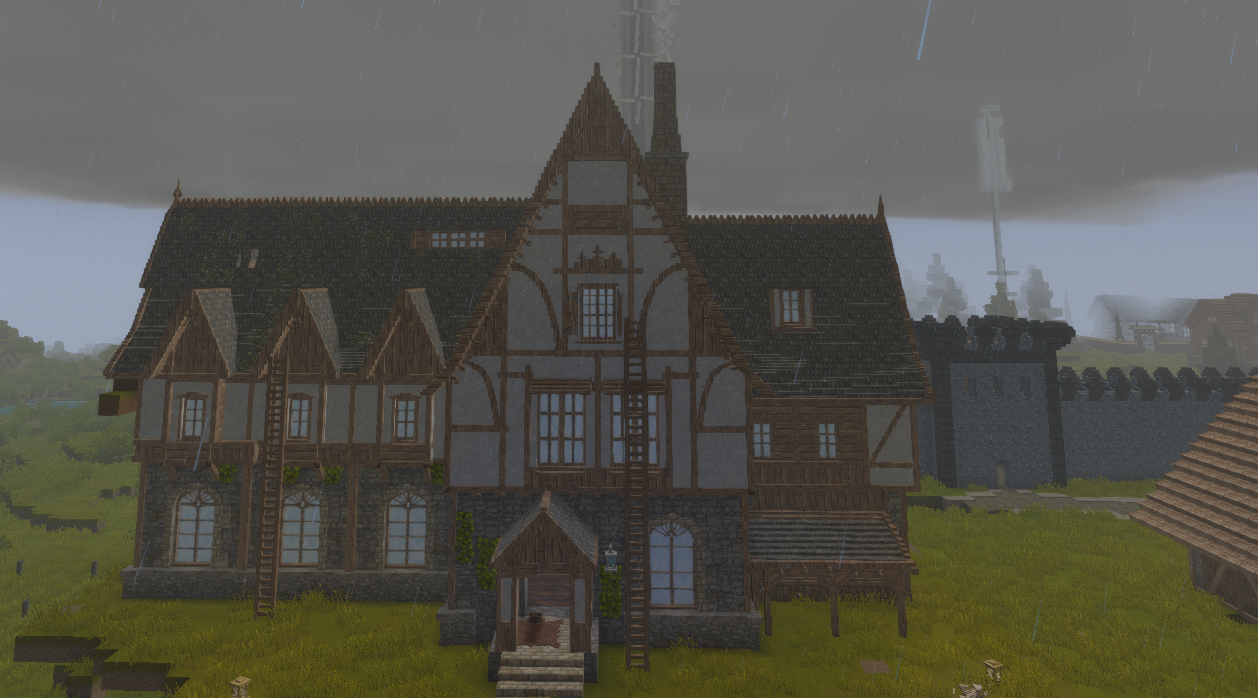
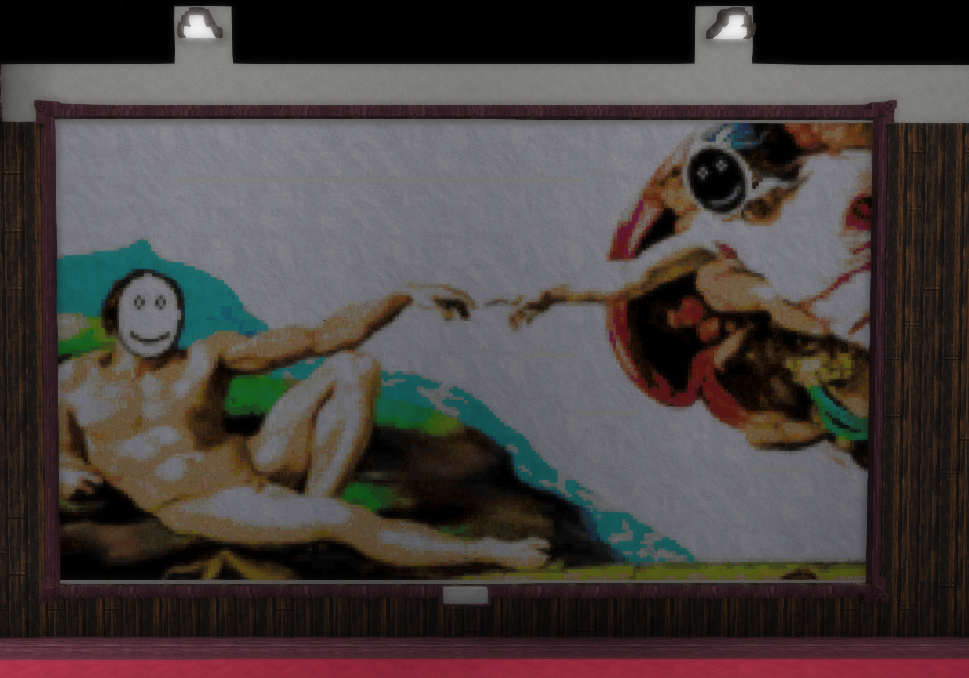
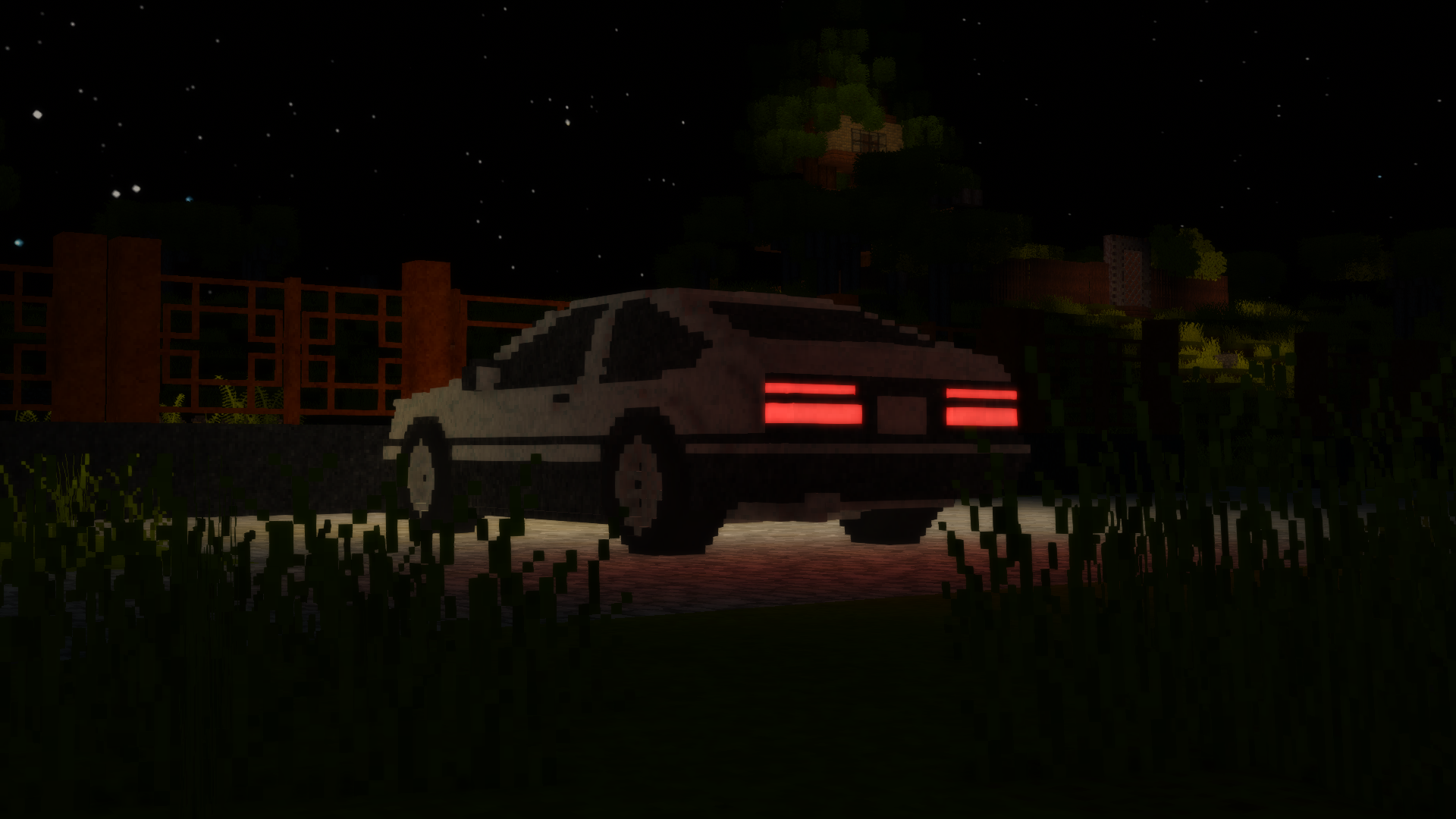
Chisel Wiz
In survival a chiseled block cannot be copied with the middle mouse button. The client mod Chisel Wiz does that job. It does not swap the block in one step. It walks the shortest series of strokes the server already allows. The chisel stays in hand and the hammer stays in the off hand. Leave the chisel and the automatic carving stops.
Ctrl+Shift+C copies the block you are looking at, Ctrl+Shift+V pastes it, and Ctrl+Shift+Z undoes the last change. A paste takes the materials from your inventory and can wait in a queue: the next block starts when the previous one is finished. The catalogue opens from the F menu, the icon at the top right. A copied design is saved from there, through the inventory and the save button. A material in the copy is swapped by dropping a new block onto the old one in that window. The blue modes in the F menu belong to the mod. There are thirteen of them, flips among them. The same menu can carve from a picture and from a QR code.
Chiseling is described from the wiki Chisel.