


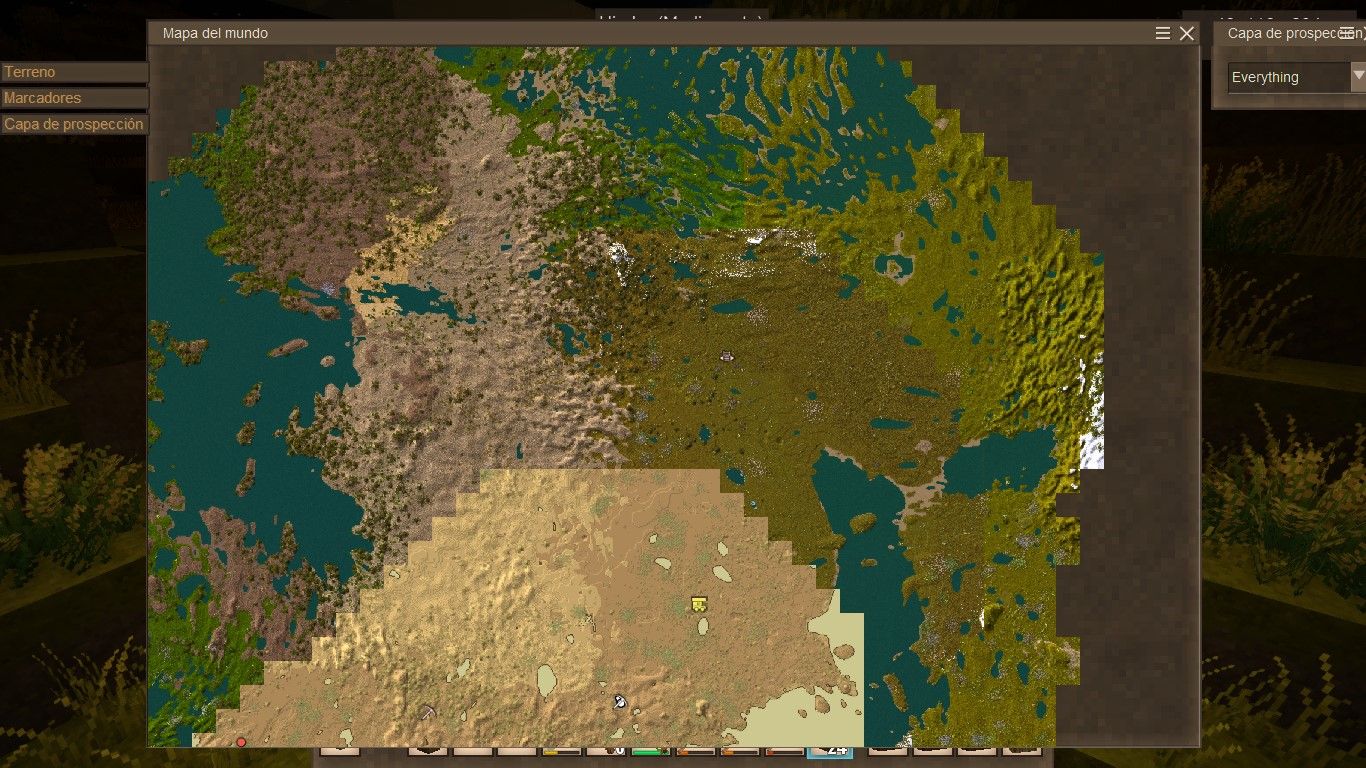
By default the world map uses a medieval style. To restore the classic colorful map (more accurate terrain colors), grant the colorAccurateWorldmap privilege. You need to rejoin the world for it to take effect.
Enable the colorful map
In singleplayer / for one player:
/player PlayerName privilege grant colorAccurateWorldmap
Replace PlayerName with your player name.
Server-wide:
/worldconfigcreate bool colorAccurateWorldmap true
Revert to the default look
In singleplayer / for one player:
/player PlayerName privilege revoke colorAccurateWorldmap
Server-wide:
/worldconfigcreate bool colorAccurateWorldmap false
You also need to rejoin the world after the command.