


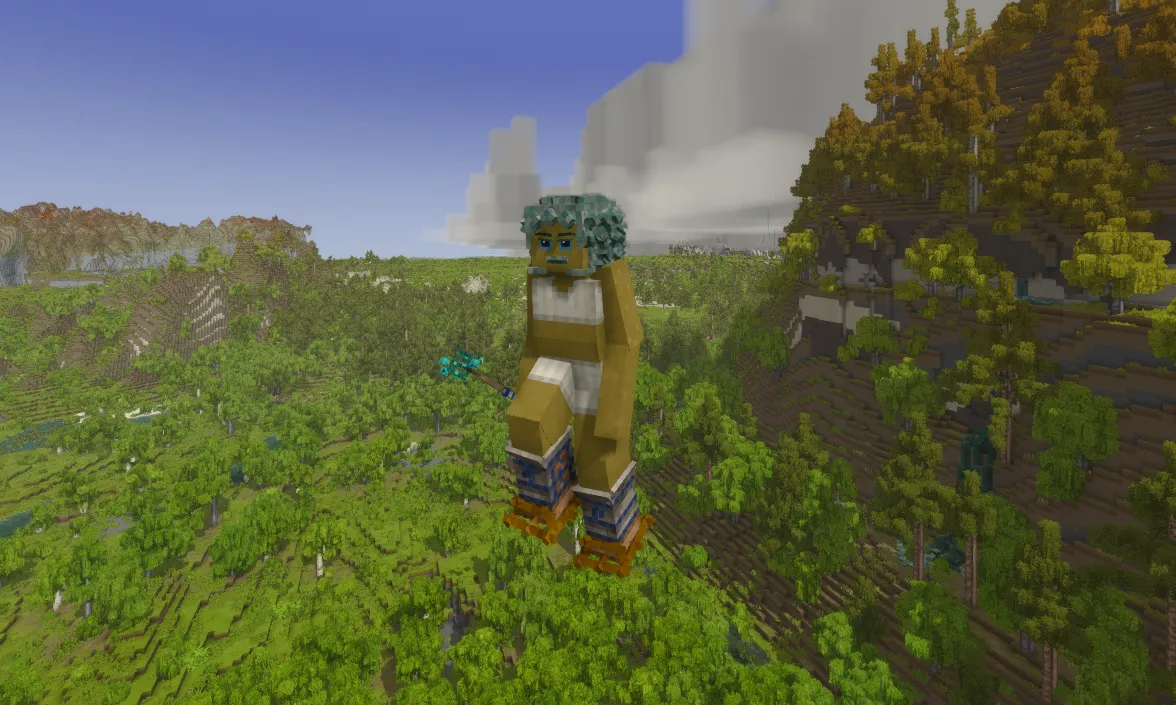
God mode in Vintage Story is Creative mode, also known simply as “creative”.
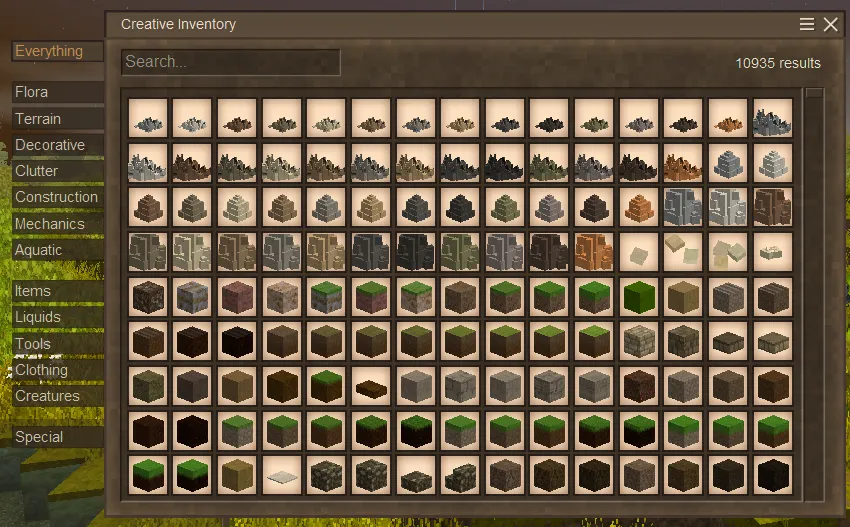
In this mode, you have access to the creative inventory, blocks break instantly, and your character cannot die and can fly. The F3 key cycles between movement modes: normal movement, flight, and flight with no-clip through blocks. The creative inventory opens with E.
How to enable Creative mode
Open the chat with T (by default) and enter the command:
/gm 2The command switches you to Creative. /gamemode 2, /gamemode cr, and /gm creative produce the same result. /gm is short for /gamemode, while 2 is the numeric equivalent of the creative mode.
If the message “Insufficient Privileges to set your game mode” appears, you do not have permission to change the mode. On a dedicated server, the required rights must first be granted through the console, as explained below.
How to disable Creative mode
Open the chat and enter the command:
/gm 1The command switches you back to Survival. You can get the same result with /gamemode survival or the shortened form /gamemode su.
If you play on a dedicated server
By default, players on the server are assigned the suplayer role, which does not have permission to change the game mode. Therefore, /gamemode creative entered in chat will not work.
To allow a player to change the mode, grant them administrator rights through the dedicated server console. Either of these two commands will work:
/op [nickname]or
/player [nickname] role adminThe /op command is a shortened form of /player [nickname] role admin.
Note: replace [nickname] with the name of the desired player.
After the rights have been granted, the player must open the chat in the game and enter /gm 2 to switch to Creative. To change another player's game mode yourself, use /gm [nickname] [mode], replacing [nickname] with the player's name and [mode] with survival or creative, or the corresponding number: 1 or 2.
To restore the standard suplayer role, run this command in the server console:
/player [nickname] role suplayerNote: changing the role and changing the game mode are separate actions./player [nickname] role suplayerremoves administrator rights from the player but does not switch them to Survival. To return to the normal game mode, enter/gm 1in chat before removing the administrator rights.
A new world with Creative mode
When creating a single-player world, you can select Creative mode from the start. To do this, choose “Creative Building” when selecting a playstyle. Once the world is created, you will start in Creative, so no commands are required; however, this world-generation option creates a flat world.
Useful building commands
When building in Creative mode, it is convenient to set a particular time of day to maintain suitable lighting. For example, daylight makes it easier to see the colors and details of a build, while stopping the day-night cycle lets you work with unchanging lighting.
/time set morning— sets the time to 8:00./time set day— sets the time to 12:00./time set night— sets the time to 20:00./time speed 0— stops the day-night cycle./time speed 60— resumes the day-night cycle at normal speed.
For more information about Creative mode, see the wiki guide.