


Frontier's Map is a Vintage Story mod by JeanPierre. Frontier's Map adds a physical map with an in-game editor, drawing tools, measurements, and over 130 hand-drawn stamps.
Why this mod is worth installing
It suits explorers, cartographers, and builders who want to record routes, landmarks, and settlements directly in Vintage Story. The mod is especially useful for making a personal adventure map without leaving the game.
What Frontier's Map adds
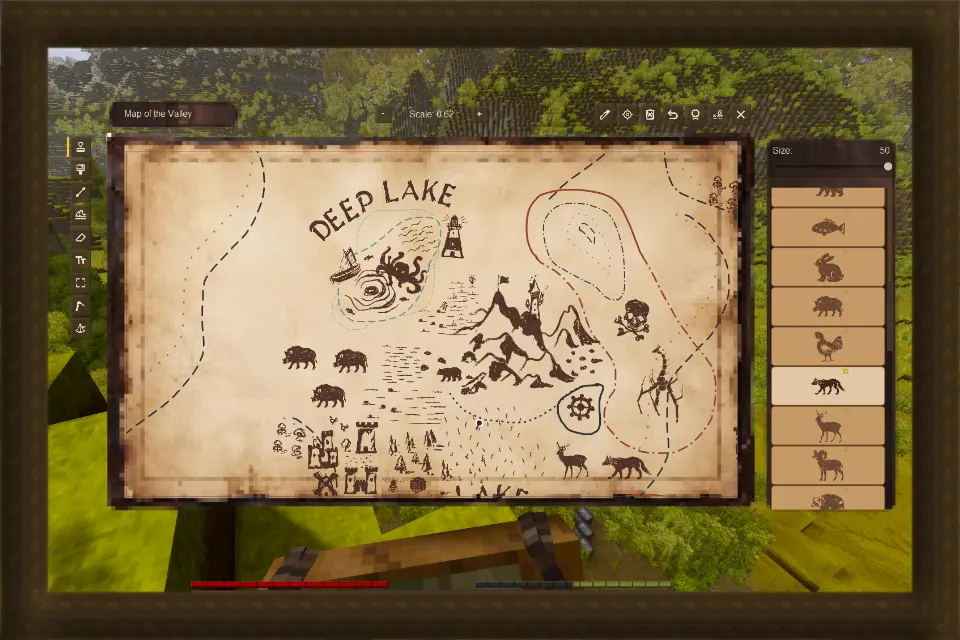
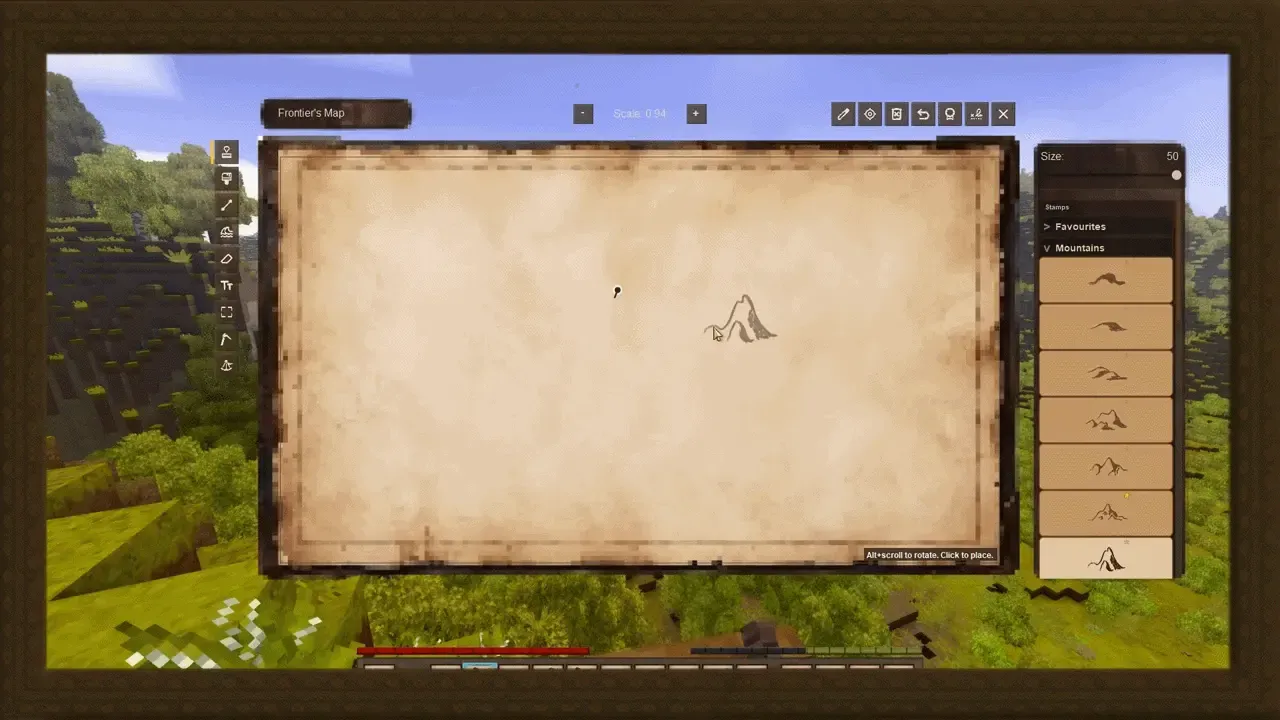
The mod turns mapping into a physical in-game activity. Open the map editor to pan across the page, recenter it around your current position, change its scale, rename the map, or clear unwanted marks.
A compact set of tools supports practical mapmaking: draw colored lines with different styles, add labels, erase mistakes, and undo up to 20 recent changes. Stamps provide ready-made symbols for locations and decoration, while the pantograph can copy one map onto another.
The sextant works separately from the map editor and lets you take measurements in the world. Those measurements can then be placed on the map, making it easier to represent distances and plan routes.
Create your own illustrated map
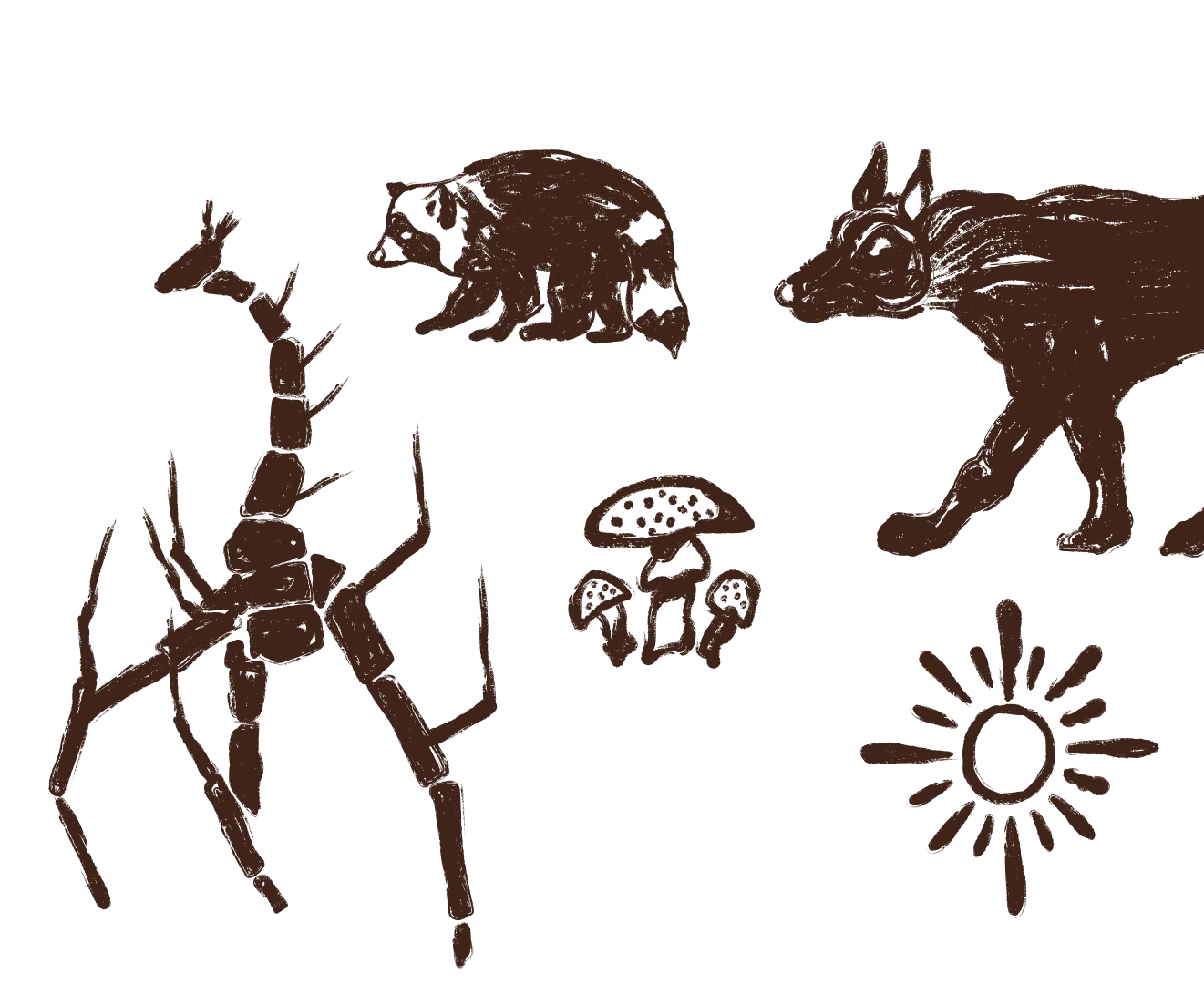
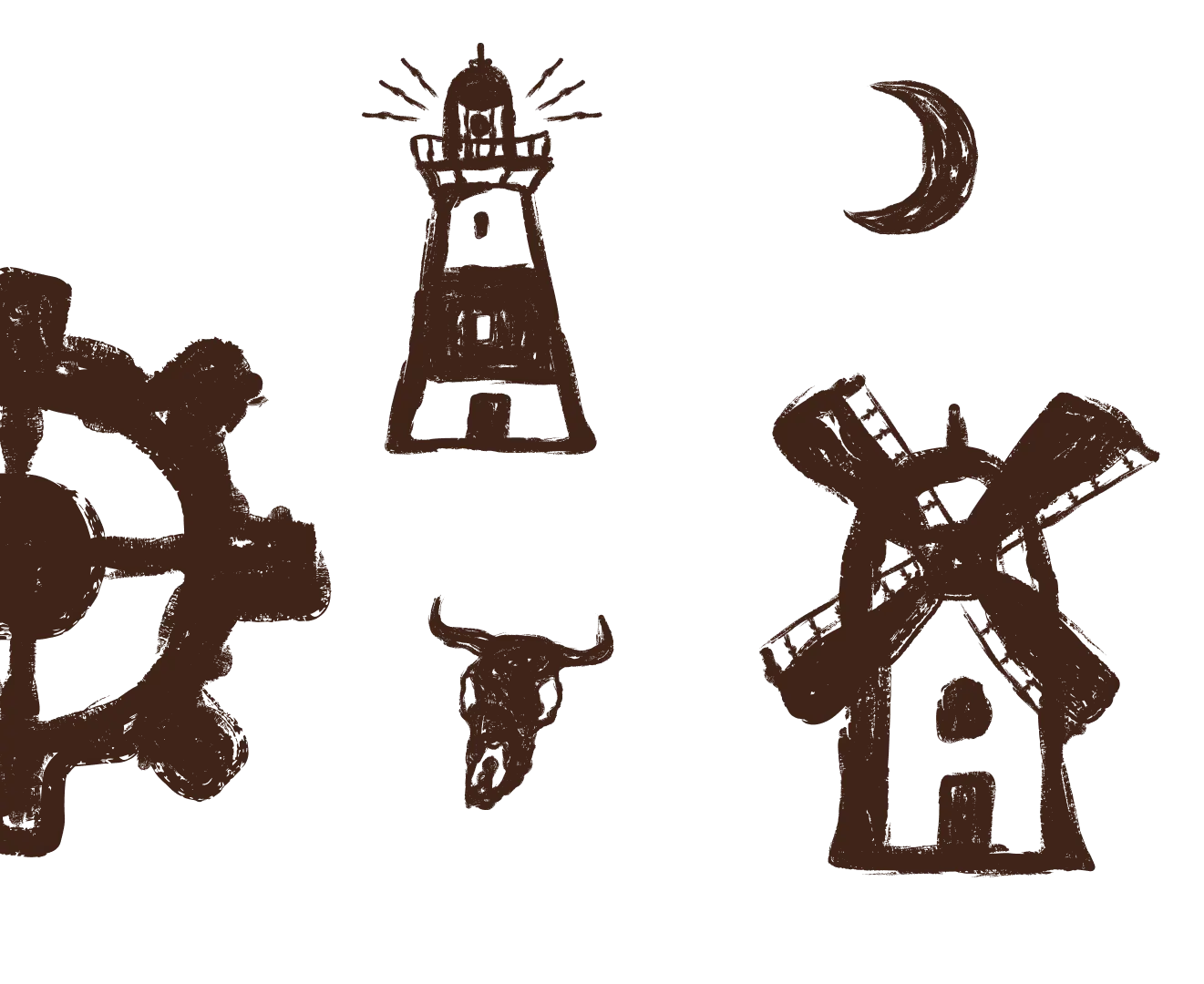
Frontier's Map adds a physical map that can be edited by hand in Vintage Story. The editor combines drawing tools with more than 130 hand-drawn stamps, and custom stamp add-ons can extend the collection.
Map editor and sextant controls
Open the map editor with the right mouse button. Hold the right mouse button with the sextant to measure; the default Move tool lets you pan around the map.
Where to download Frontier's Map
The official Vintage Story Mod DB page is the right place to get the current release through the in-game mod manager.